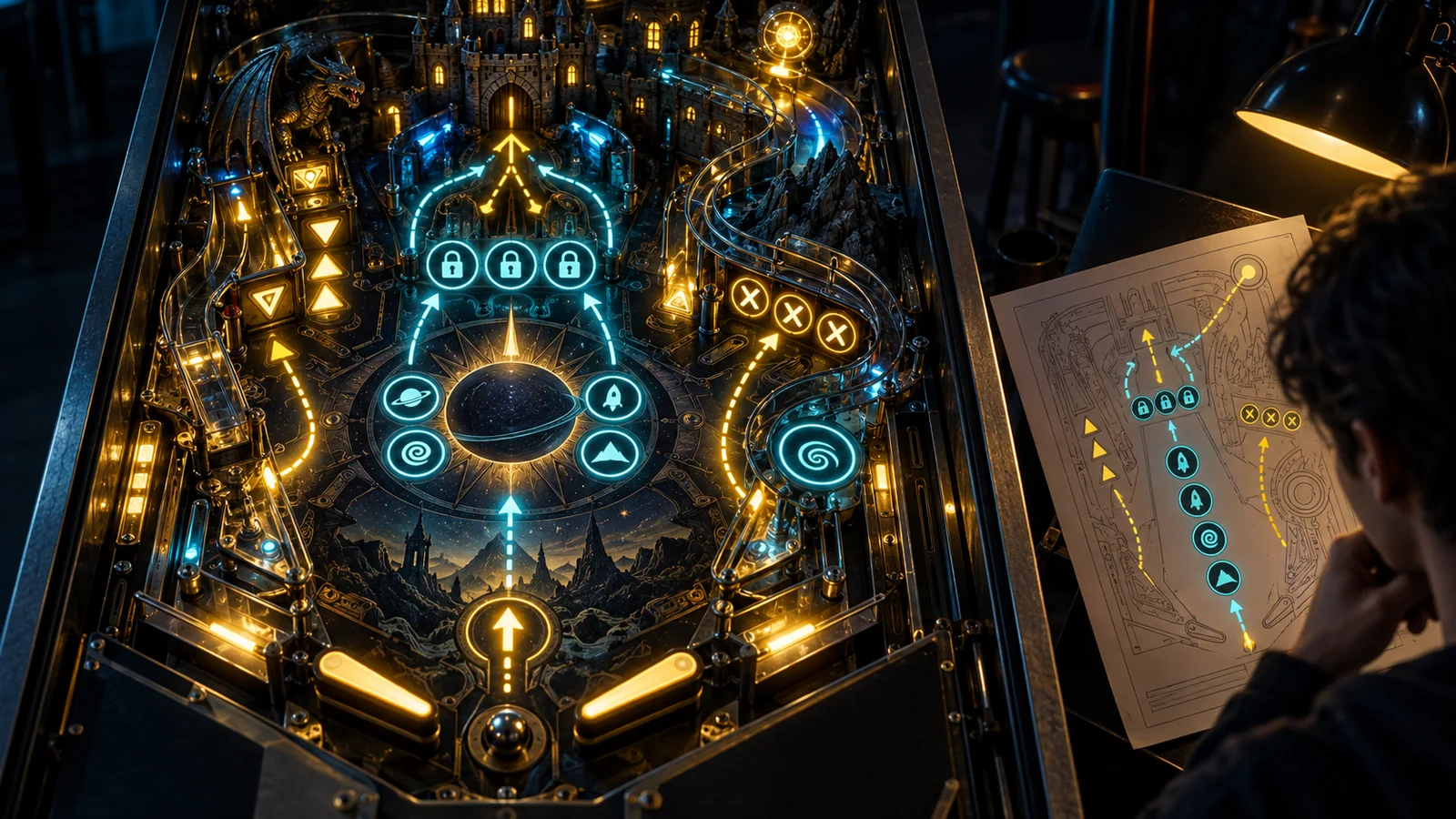
How to Build Your First Virtual Pinball Cabinet in 2026
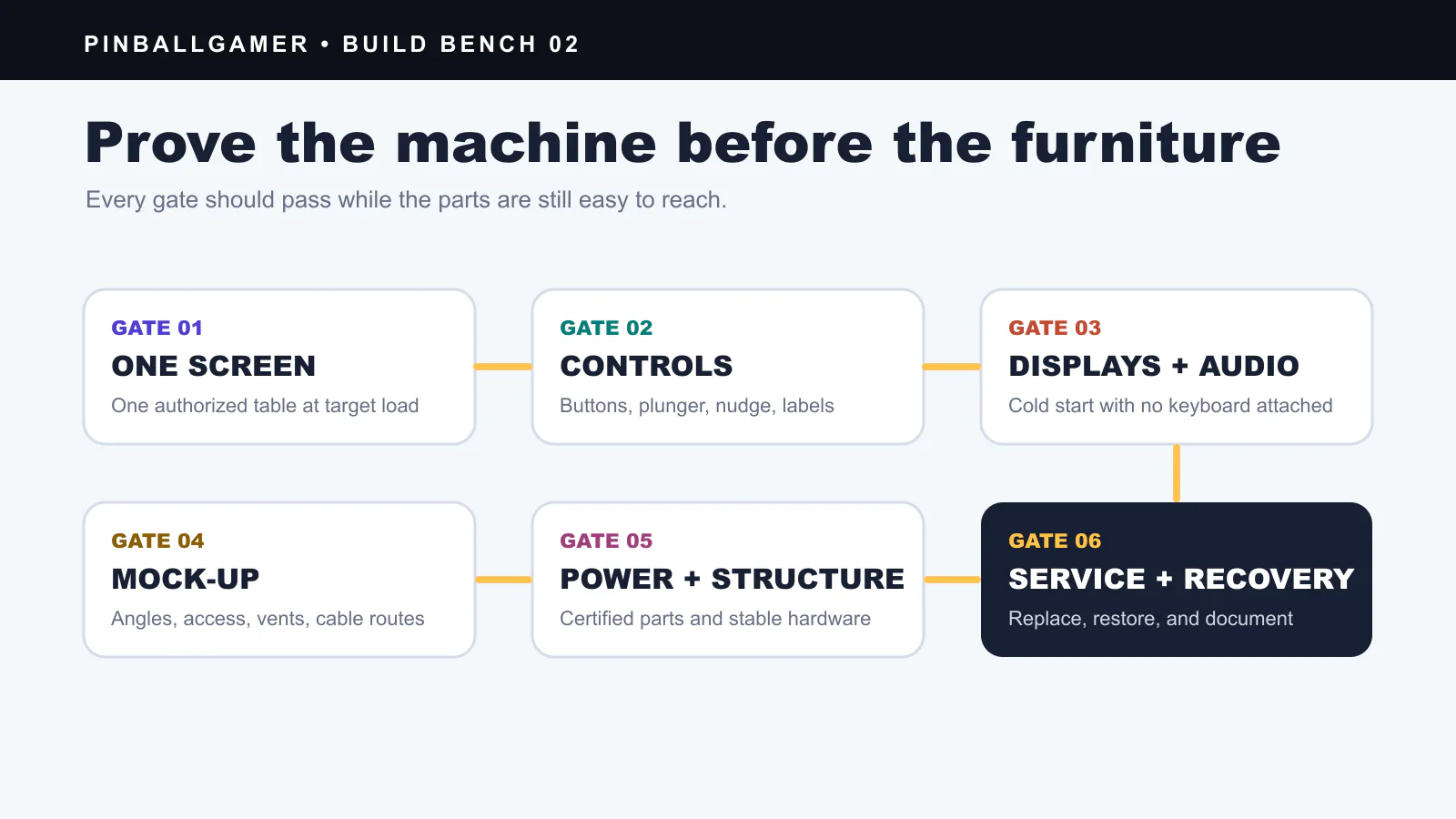
Image: PinballGamer
The fastest way to ruin a virtual pinball build is to make the furniture first.
Build the machine on a bench. Prove one authorized table, every display, every control, audio, shutdown, and restart. Only then should those parts disappear inside a heavy box.
Choose the software and content path first
Three common paths solve different problems:
- Visual Pinball: open-source editor and simulator with cabinet views, plugins, and broad hardware support.
- Pinball FX: commercial platform with licensed table DLC; cabinet support and purchases depend on the current title, storefront, and platform.
- Zaccaria Pinball: commercial catalog centered on Zaccaria recreations, with a free base and paid content on Steam.
Use official installers and content you are authorized to use. A simulator being free or open source does not grant rights to copyrighted ROMs, music, artwork, or table recreations downloaded elsewhere.
Build in six gates
Gate 1: one-screen prototype
Install the chosen software on the target PC and run one table at the intended orientation and resolution. Measure frame pacing and input response on the actual display.
Do not buy a GPU from an old “4 GB is enough” rule. Requirements vary by software, table, resolution, refresh rate, effects, and operating system. Test the workload.
Gate 2: controls
Connect flipper buttons, start, exit, and any plunger or nudge controller while everything is visible. Label every cable and document the input map.
Use a recognized interface designed for the control type. Do not connect improvised switches directly to mains power.
Gate 3: all displays and audio
Add the playfield, backglass, and optional score display. Test sleep/wake, reboot, focus changes, display numbering, rotation, audio routing, and a cold start with no keyboard attached.
Gate 4: enclosure mock-up
Before finished wood, make a simple dimensional mock-up. Check viewing angle, button height, knee clearance, ventilation, speaker position, screen service access, and the route for every cable.
Gate 5: safe power and structure
Use complete, certified power-distribution components appropriate to your country and total load. The U.S. Consumer Product Safety Commission warns that undersized, damaged, or poorly strain-relieved extension cords can create shock and fire hazards and advises against overloading or routing cords under furniture.
Do not improvise mains wiring from an internet parts list. If the design requires modifying line-voltage wiring, use a qualified electrician. Provide strain relief, grounding where required, ventilation, guards over moving fans, and a way to disconnect power without opening the cabinet.
The cabinet is also heavy and top-loaded. Use rated hardware, secure displays and glass, design stable feet, and prevent a child from pulling it over.
Gate 6: service and recovery
Confirm that you can replace a fan, display cable, button, storage drive, or controller without dismantling the entire machine. Keep a configuration backup and a clean recovery path.
A cabinet that works once is a prototype. A cabinet you can repair is a build.
A budget that does not lie
Instead of copying a universal 2026 price range, quote these categories:
- PC and storage;
- playfield, backglass, and score display;
- control interface, buttons, plunger, and nudge hardware;
- cabinet materials, legs, rails, glass, and fasteners;
- certified power distribution, cooling, and audio;
- licensed software and table content;
- shipping, tools, replacements, and contingency.
Price the exact parts in your country. A screen sale in the United States is not a global cabinet benchmark.
Sources
- Visual Pinball official repository and platform features
- Steam: Pinball FX
- Steam: Zaccaria Pinball
- U.S. CPSC: extension-cord fire and shock hazards
- U.S. CPSC: extension cords and power-strip safety
Source check: 27 July 2026.
virtual pinballDIYcabinet buildVisual Pinball2026